Scheduling
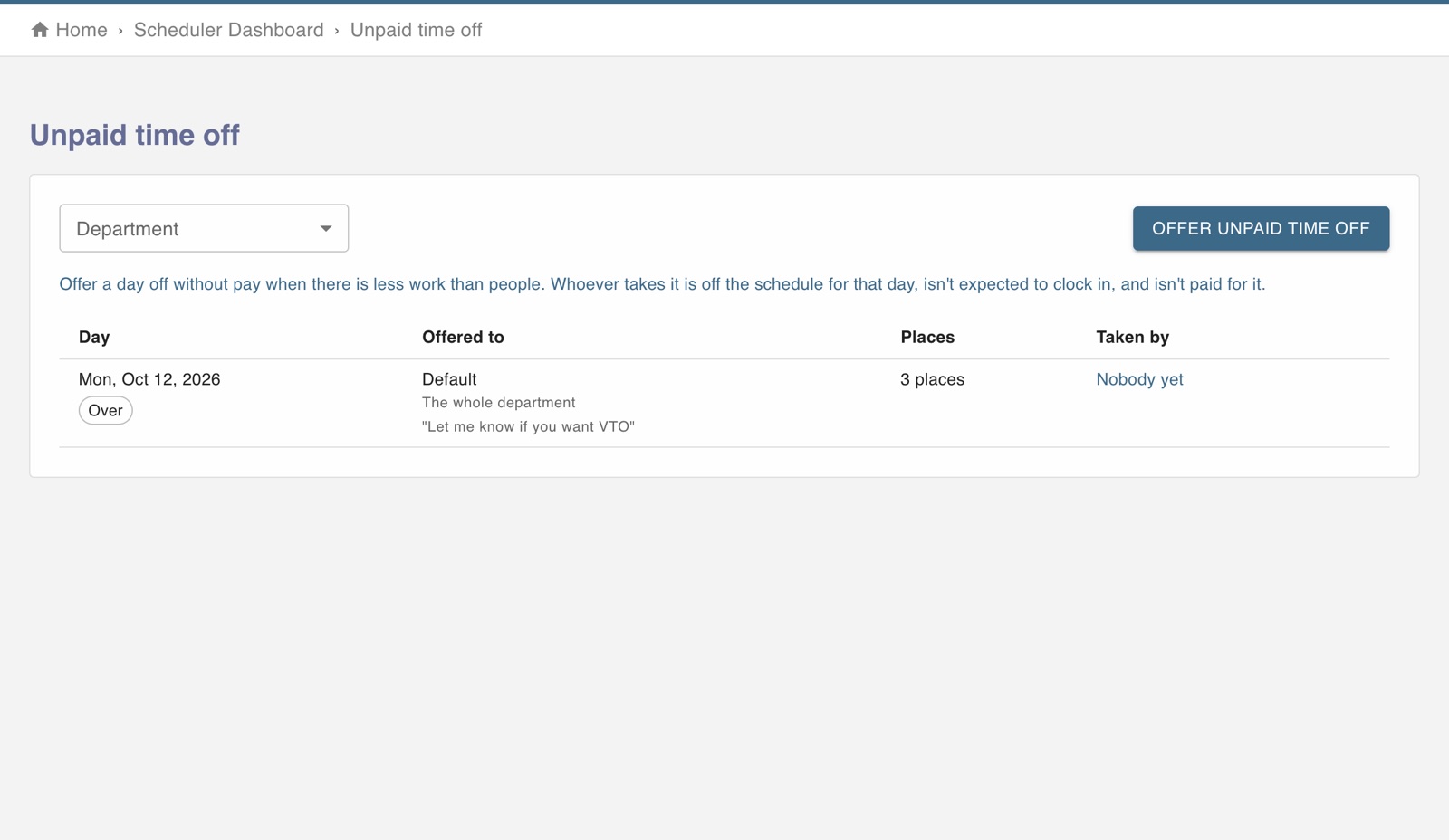
The screen in Worktrim.
Offer a day off without pay
When a day is quiet you can offer a department the day off unpaid, and see who takes it.
Part of Scheduling, on every paid plan.
Steps
- Open Unpaid time off and make an offer for a department and a day.
- Employees who are offered it choose whether to take it.
- Anyone who takes it is not expected at work that day and is not paid for it.
Was this guide helpful?
Thank you.
Sorry it did not help. Tell us what was missing and we will improve it.
Still stuck?
Email [email protected] or send us a message. The people who build Worktrim answer.
Contact us