Scheduling
Watch it in Worktrim. Open as an animated GIF to share it.
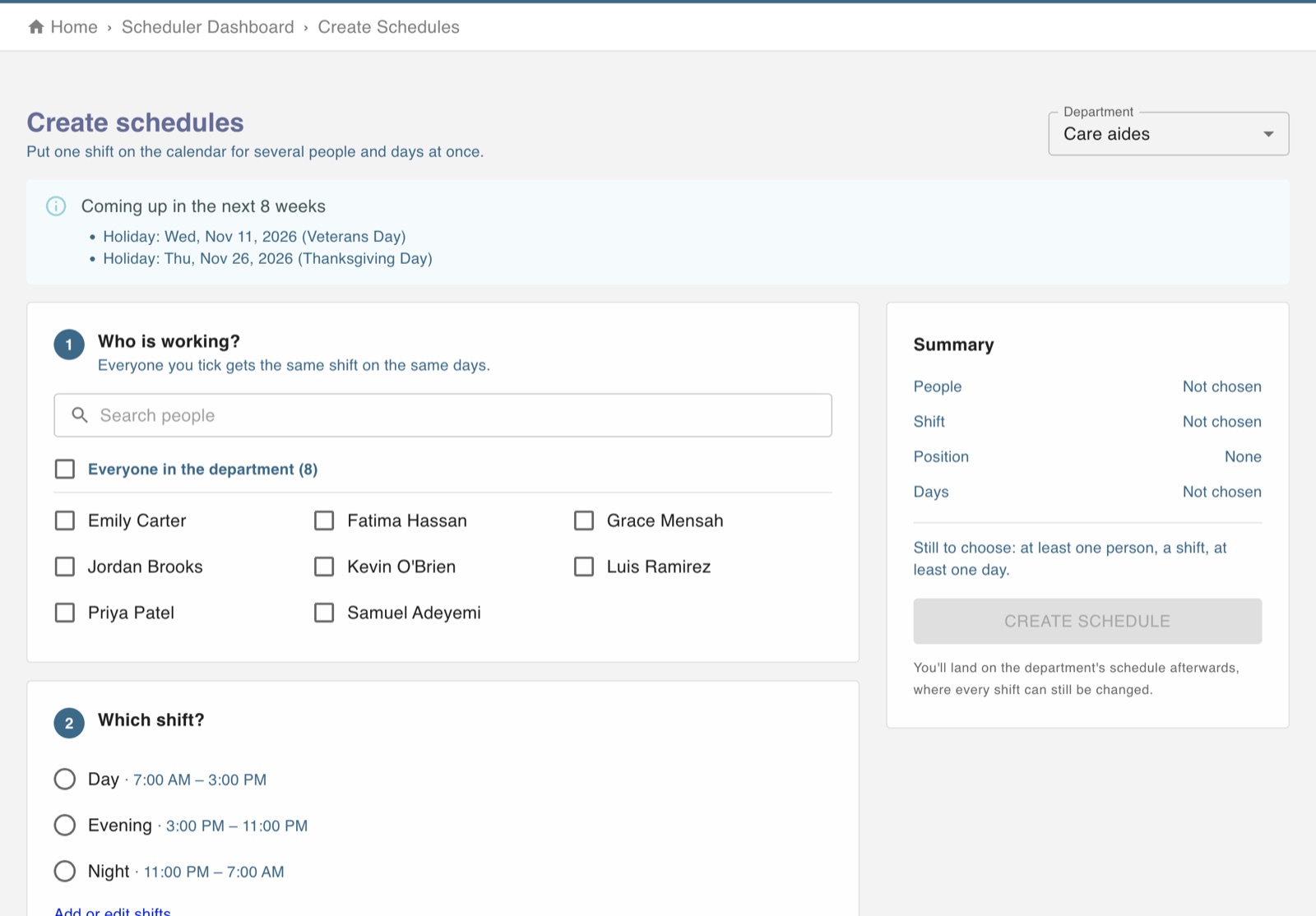
The screen in Worktrim.
Build and publish a schedule
Set up the shifts a department works once, then build schedules from them.
Part of Scheduling, on every paid plan.
Steps
- First time only: open Manage shifts for the department and add the shifts it works (for example Morning, 7:00 to 15:00).
- Optional: add positions (Manage positions) if you want to say what someone does on a shift.
- Open Create new schedules, choose the department and put people on shifts.
- To change or publish a schedule that already exists, use Manage existing schedules.
- A shift left without a person shows as unfilled in Scheduling analytics until someone is on it.
Open it in Worktrim
You will be asked to sign in if you are not already.
Was this guide helpful?
Thank you.
Sorry it did not help. Tell us what was missing and we will improve it.
Still stuck?
Email [email protected] or send us a message. The people who build Worktrim answer.
Contact us