Scheduling
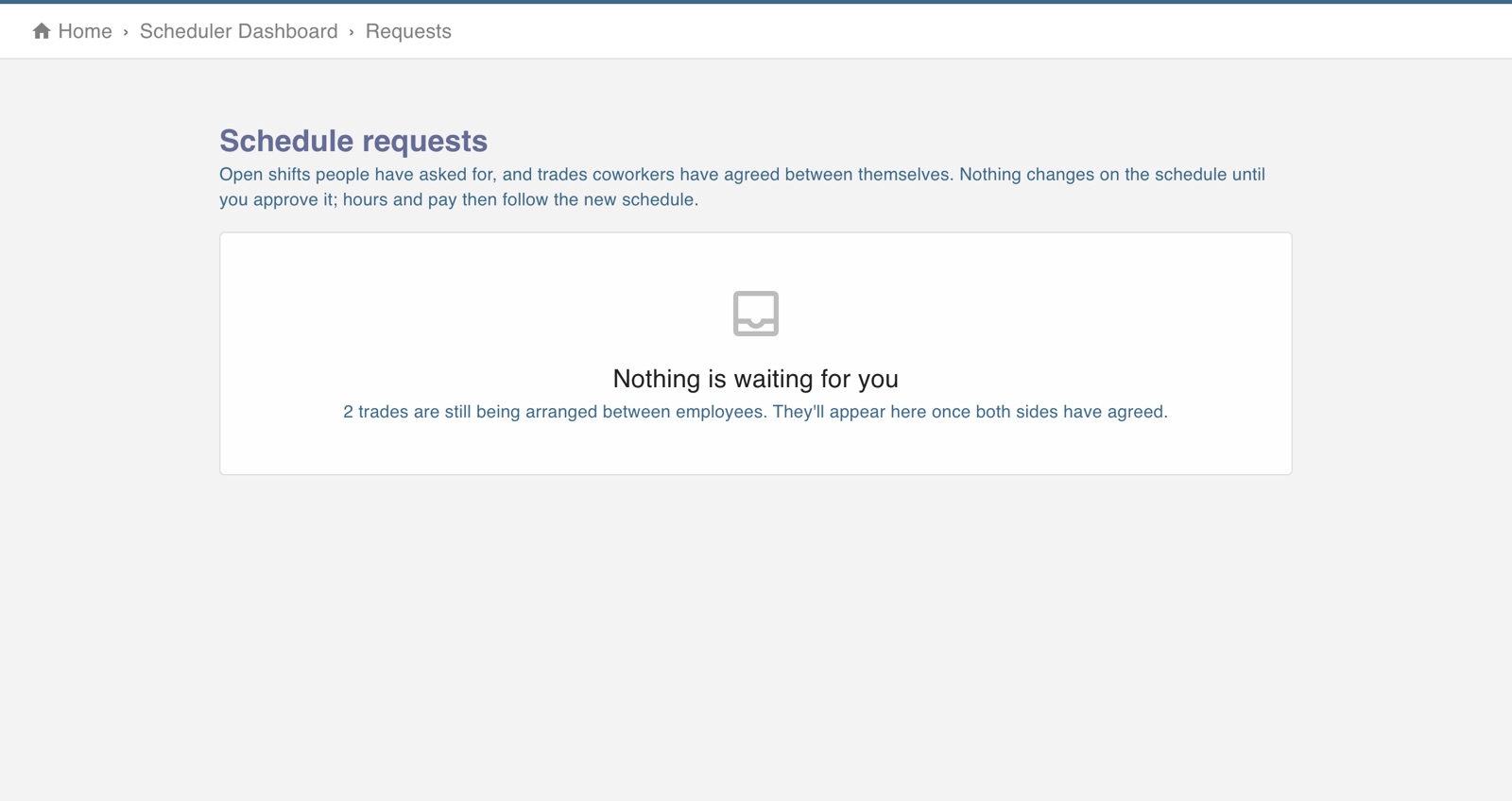
The screen in Worktrim.
Open shifts and shift trades
People can ask for a shift nobody has, or trade one with a coworker. Nothing changes until a manager approves.
Part of Scheduling, on every paid plan.
Steps
- Employees open My shifts and trades to see their shifts, take an open shift or offer a trade.
- Managers open Requests to approve or decline. Requests waiting also show on Home and Scheduling home.
- The schedule only changes when the request is approved.
- Rules for trades and open shifts are under Schedule settings.
Open it in Worktrim
You will be asked to sign in if you are not already.
Was this guide helpful?
Thank you.
Sorry it did not help. Tell us what was missing and we will improve it.
Still stuck?
Email [email protected] or send us a message. The people who build Worktrim answer.
Contact us