Getting started
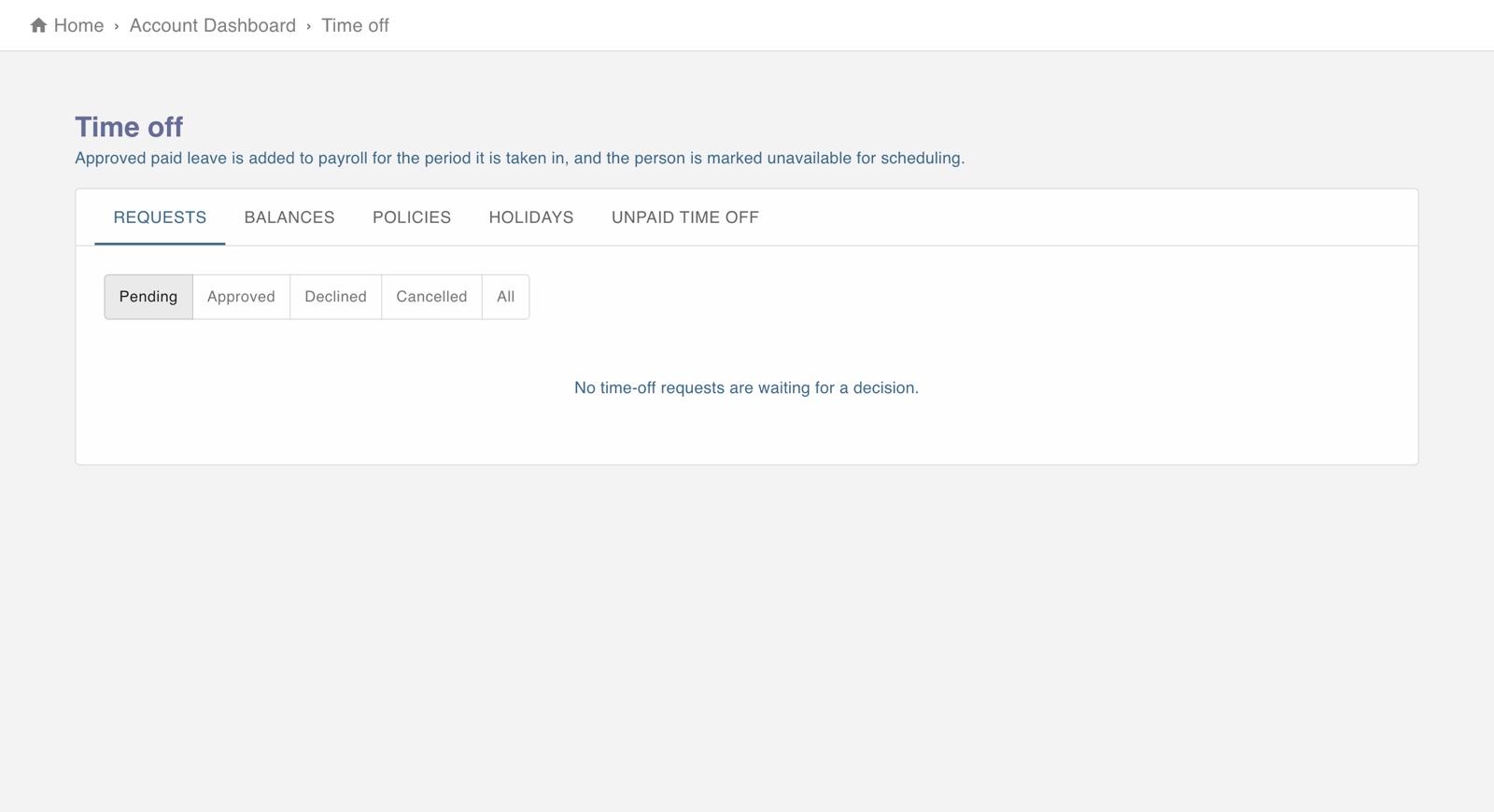
The screen in Worktrim.
Ask for time off, and decide requests
Employees ask from their own Time off page. An administrator decides.
Steps
- As an employee: open Time off to see your balances and ask for days.
- As an administrator: open Paid time off to decide requests and look after policies and balances. Requests waiting also show on Home.
- An approved day off is taken into account when attendance is checked, so the person is not marked late or absent.
Was this guide helpful?
Thank you.
Sorry it did not help. Tell us what was missing and we will improve it.
Still stuck?
Email [email protected] or send us a message. The people who build Worktrim answer.
Contact us