Getting started
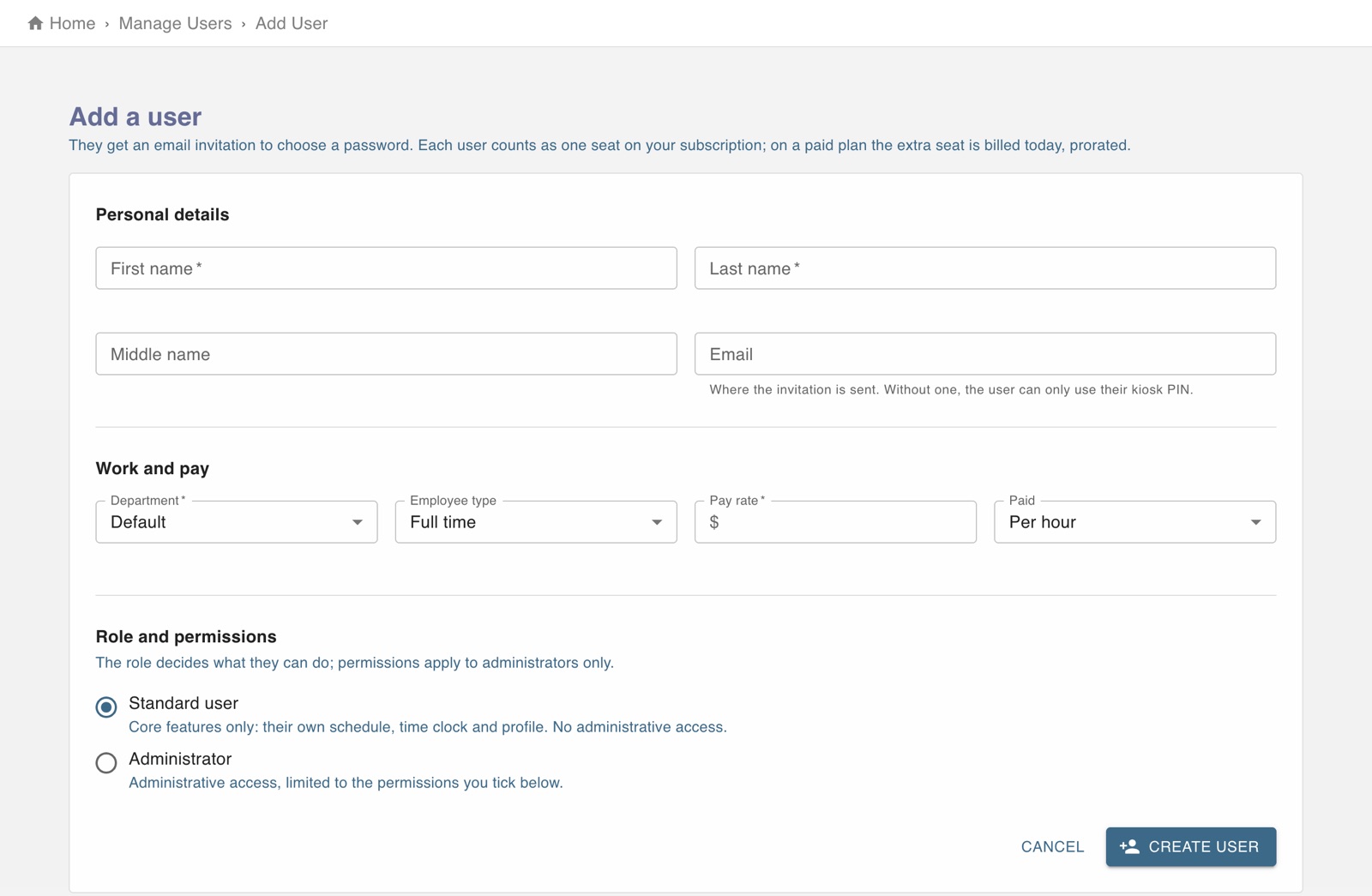
The screen in Worktrim.
Administrators, employees and permissions
An administrator only sees the areas they have been given. That is why two administrators can have different menus.
Steps
- Every person is either an employee or an administrator.
- An administrator is also given permissions, one for each area: scheduling, attendance, payroll, senior care, people, billing, invoices and reports.
- A menu or a screen appears only when the person is an administrator and holds that area's permission.
- To change what someone may do, open them under Employees and tick or untick the permissions.
- Senior care adds its own roles (nurse, caregiver and so on) on top of this. See “Who may open clinical records”.
Was this guide helpful?
Thank you.
Sorry it did not help. Tell us what was missing and we will improve it.
Still stuck?
Email [email protected] or send us a message. The people who build Worktrim answer.
Contact us