Getting started
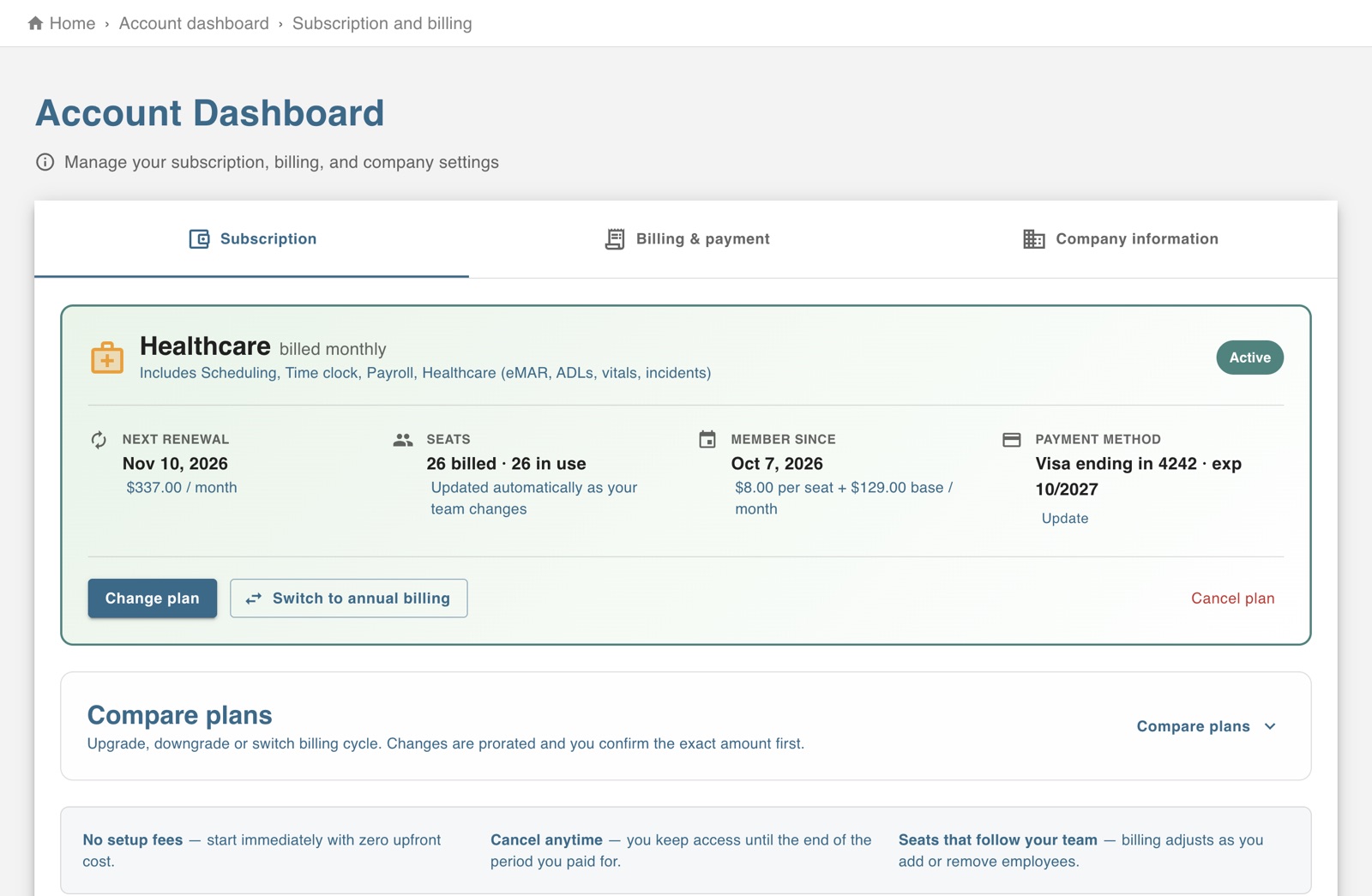
The screen in Worktrim.
Change your plan or payment method
Your plan decides which modules are switched on. Billing shows what you pay Worktrim and when.
Steps
- Open Account, then Subscription and billing.
- There you can see your plan and the next bill, change plan, update the card or bank account, and open past Worktrim invoices.
- If a payment fails, Account home says so and links to the place to fix it.
Open it in Worktrim
You will be asked to sign in if you are not already.
Was this guide helpful?
Thank you.
Sorry it did not help. Tell us what was missing and we will improve it.
Still stuck?
Email [email protected] or send us a message. The people who build Worktrim answer.
Contact us