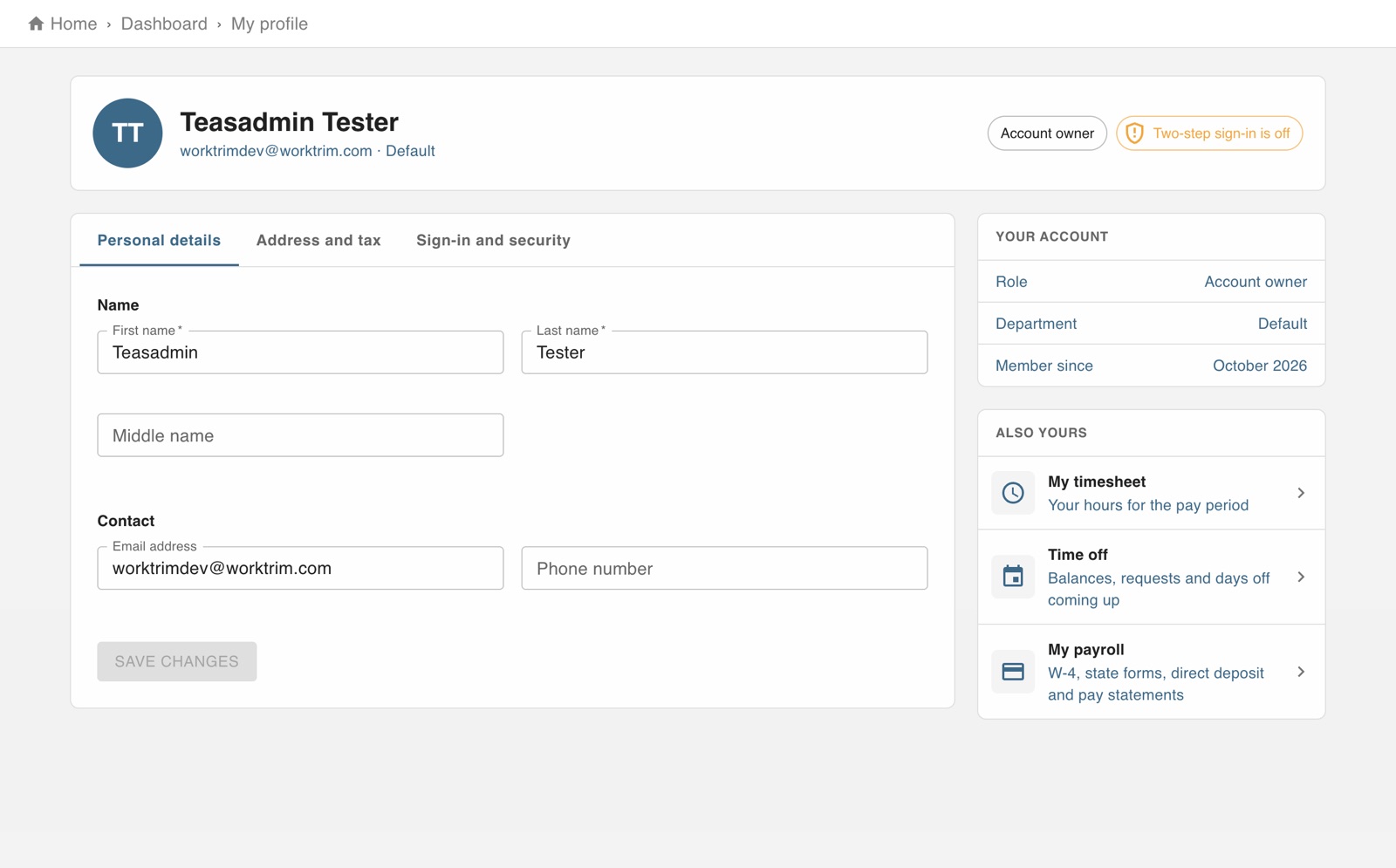
Open My profile from the person icon at the top right.
Personal details: your name, email and phone.
Sign-in and security: change your password, and turn on two-step sign-in. After your password, Worktrim then asks for a code sent to your email or shown in an authenticator app.
If your company runs payroll, Address and tax holds your mailing address and tax details.
The screen in Worktrim.
Open it in Worktrim
You will be asked to sign in if you are not already.