Senior care
Watch it in Worktrim. Open as an animated GIF to share it.
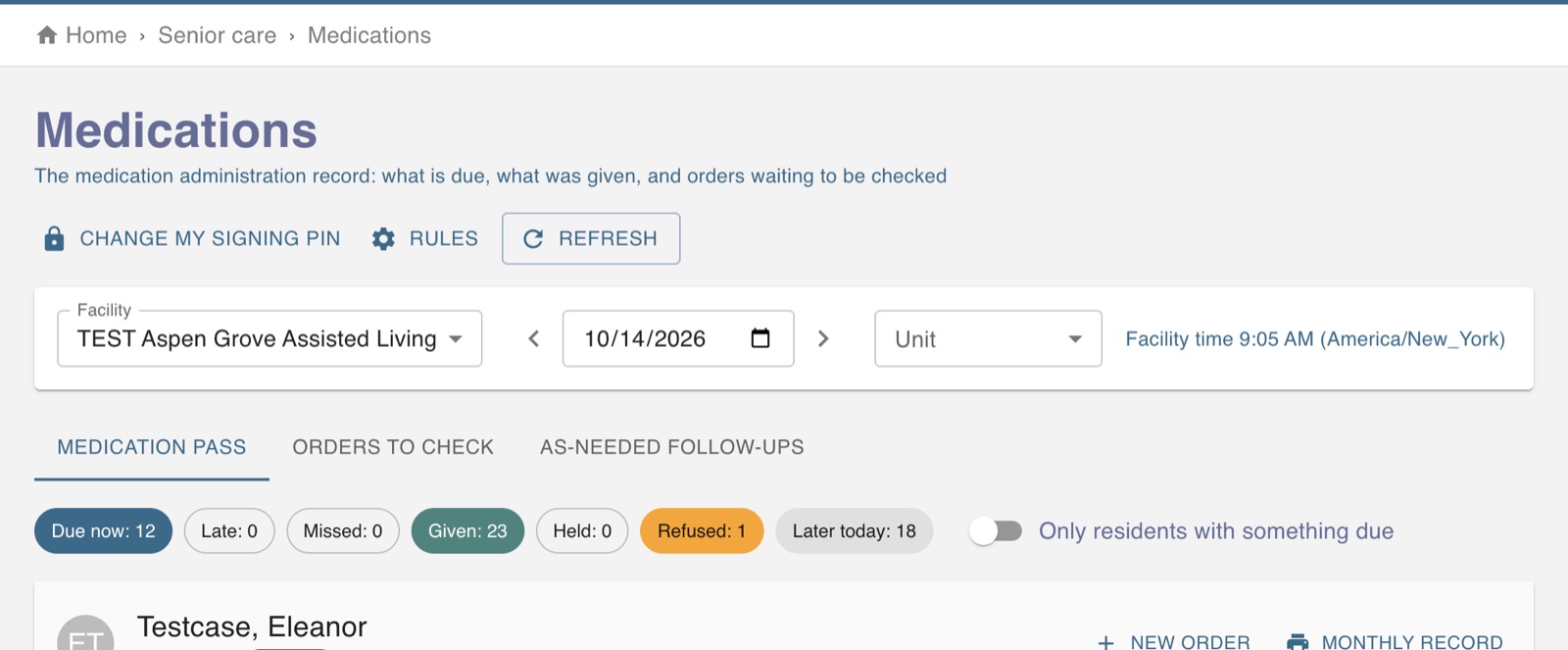
The screen in Worktrim.
Medication orders and the medication pass
An order is entered, checked by a second person, then given and charted dose by dose.
Needs the Senior care (Healthcare) plan.
Steps
- Enter the order under Medications. It waits for review, and a second person verifies it before it becomes active (a facility setting).
- An active order is never edited. A change is a new order that replaces the old one; stopping one needs a reason.
- At the medication pass, confirm the resident, then chart each dose as given, held, refused, not available or resident away.
- A dose given outside its time window is marked late or early. A wrong entry is voided with a reason, never deleted.
- Controlled substances ask for a count, your signing PIN and a witness.
Was this guide helpful?
Thank you.
Sorry it did not help. Tell us what was missing and we will improve it.
Still stuck?
Email [email protected] or send us a message. The people who build Worktrim answer.
Contact us