Attendance
Watch it in Worktrim. Open as an animated GIF to share it.
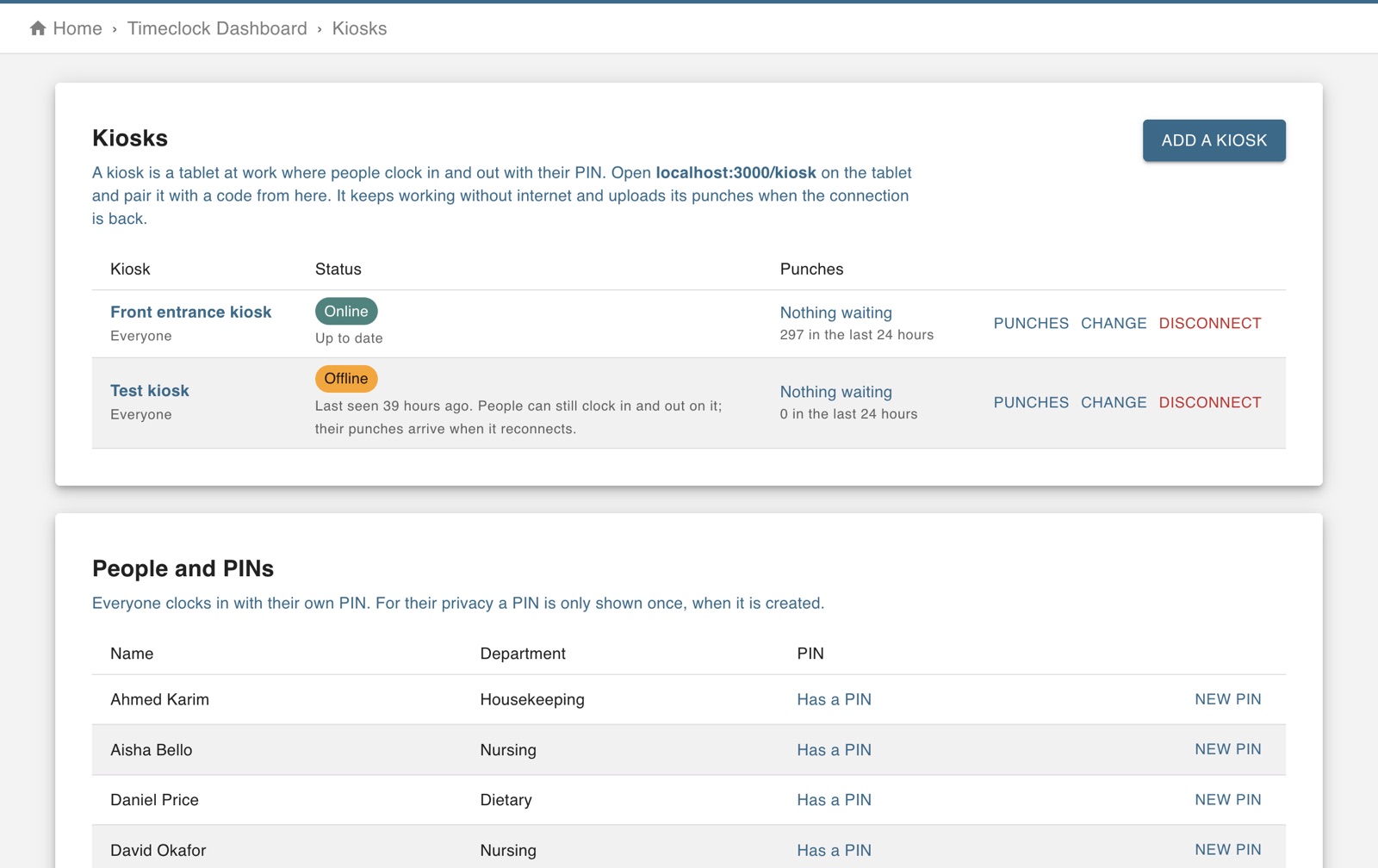
The screen in Worktrim.
Set up a shared tablet as a kiosk
A kiosk is a tablet at the door where people clock in with a PIN. It keeps working without internet.
Part of Time & attendance, on every paid plan.
Steps
- Open Kiosks and add one. Worktrim shows how to pair the tablet.
- On the tablet, open kiosk.worktrim.com and pair it.
- People clock in and out on it with their PIN.
- If the tablet loses its connection it keeps taking punches and sends them when it is back online. Home tells you when a kiosk is offline.
Was this guide helpful?
Thank you.
Sorry it did not help. Tell us what was missing and we will improve it.
Still stuck?
Email [email protected] or send us a message. The people who build Worktrim answer.
Contact us