Attendance
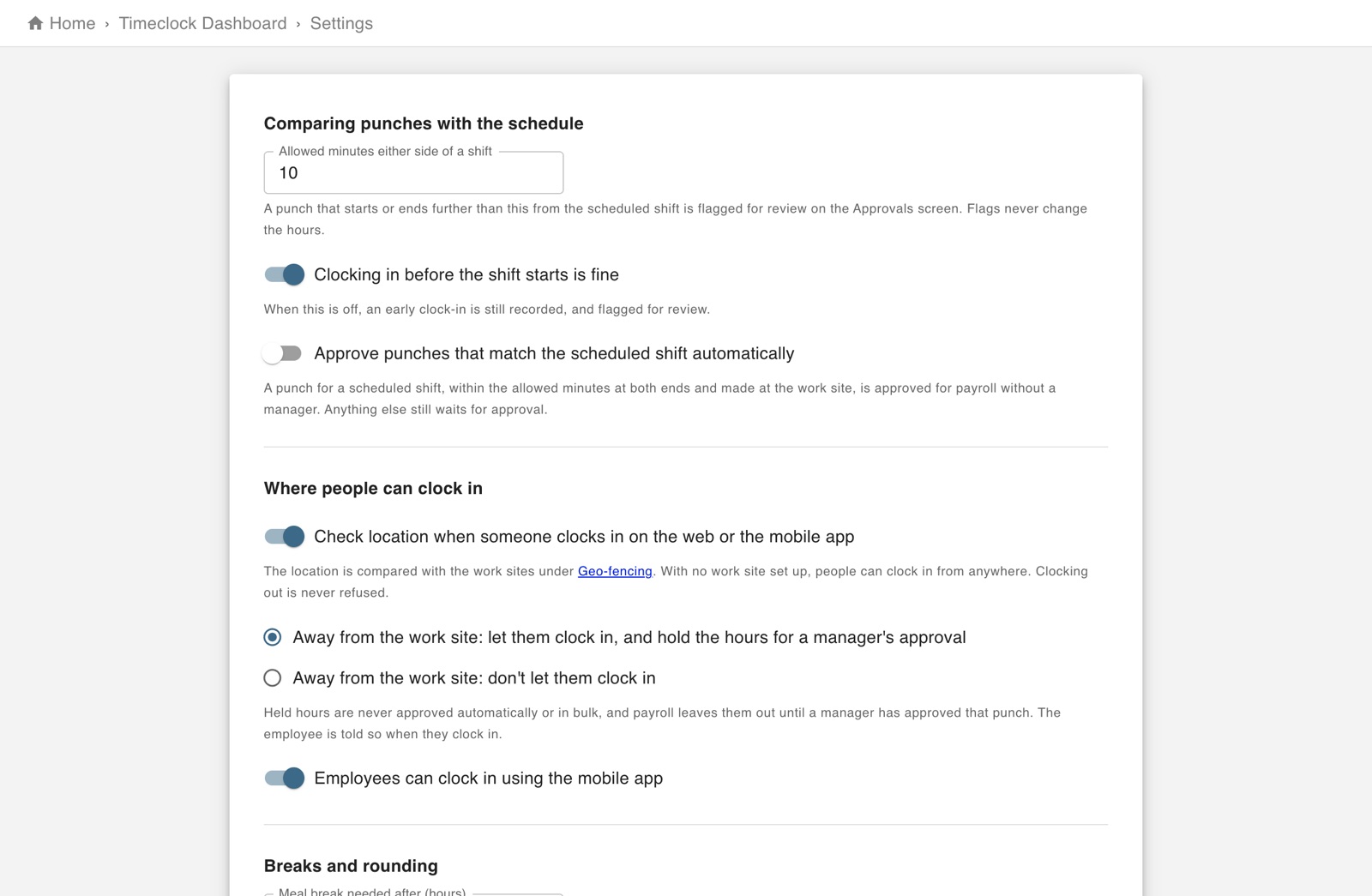
The screen in Worktrim.
Rounding, breaks, locations and pay periods
The rules the time clock follows are set once, for the company.
Part of Time & attendance, on every paid plan.
Steps
- Timeclock settings: how punches are rounded, how breaks are handled, when a forgotten punch is closed automatically, and your pay periods.
- Geo-fencing: where people may clock in from. A punch from somewhere else is flagged as off site.
Open it in Worktrim
You will be asked to sign in if you are not already.
Was this guide helpful?
Thank you.
Sorry it did not help. Tell us what was missing and we will improve it.
Still stuck?
Email [email protected] or send us a message. The people who build Worktrim answer.
Contact us