Invoices
Watch it in Worktrim. Open as an animated GIF to share it.
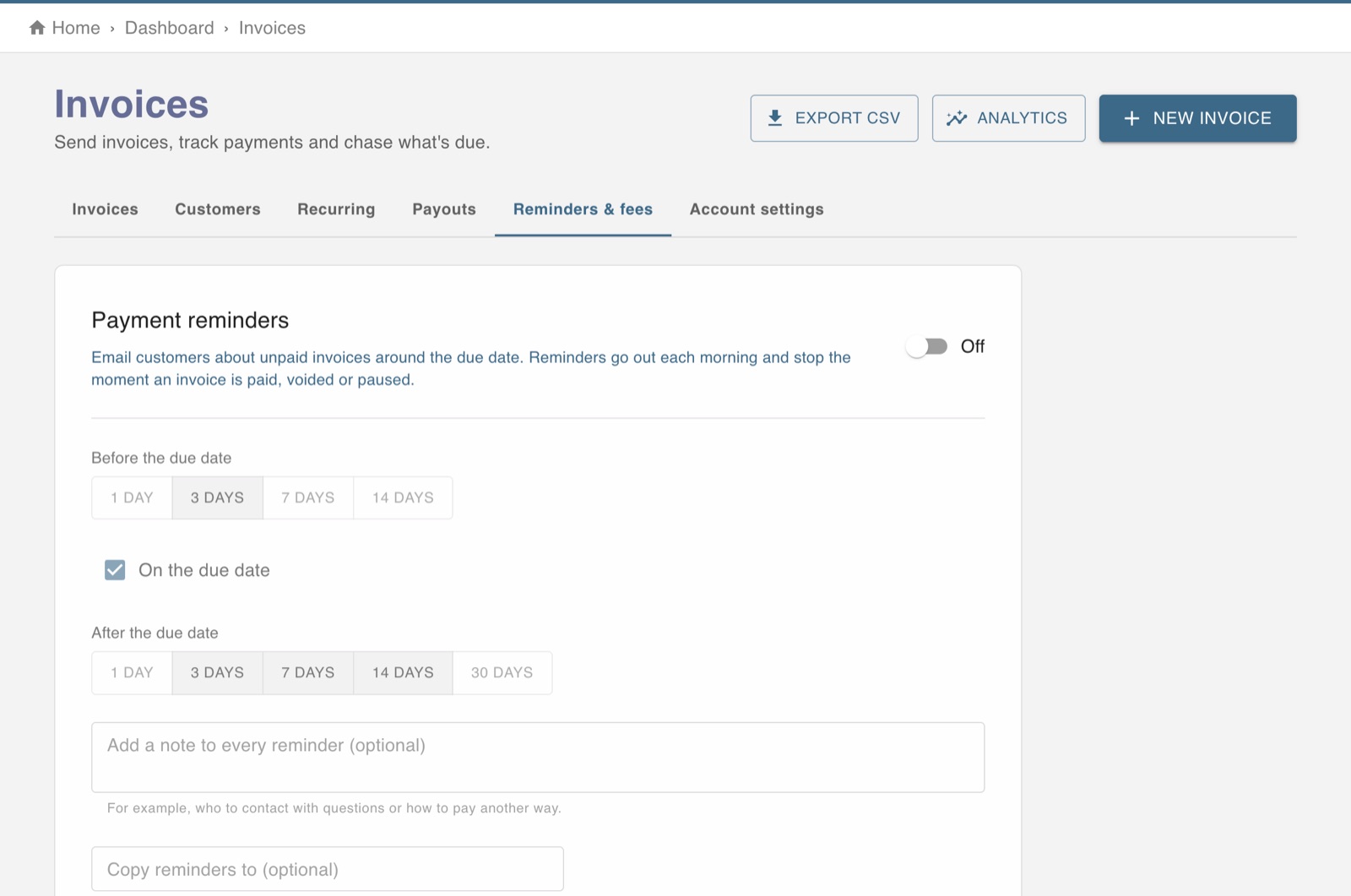
The screen in Worktrim.
Reminders, recurring invoices and late payers
Let Worktrim chase what is due, and bill regular customers automatically.
Steps
- On Invoices, the Reminders and fees tab sets when customers are reminded and any late fee.
- The Recurring tab bills a customer the same amount on a schedule.
- From an invoice's menu you can send a reminder now, record a payment you received another way, or void it.
- Invoice analytics shows what you are owed by how late it is, and who owes the most.
Was this guide helpful?
Thank you.
Sorry it did not help. Tell us what was missing and we will improve it.
Still stuck?
Email [email protected] or send us a message. The people who build Worktrim answer.
Contact us